
Have you ever noticed the “Collate” option when printing a document and thought, “What does collate mean?” 🤔
Quick Reply: Collate controls how pages are arranged when printing multiple copies. This guide explains its definition, purpose, examples, and how to use it effectively, whether you’re at home, in school, or at the office.
Collate is a simple feature with a big impact. Using it correctly saves time, reduces mistakes, and ensures that your multi-page documents come out ready to use.
Imagine printing a 4-page report three times—without collate, you might spend extra minutes sorting pages manually.
With collate, everything comes out perfectly ordered in complete sets.
Definition & Meaning
What is Collate?
In printing, collate refers to the order in which printed pages are arranged when making multiple copies of a document.
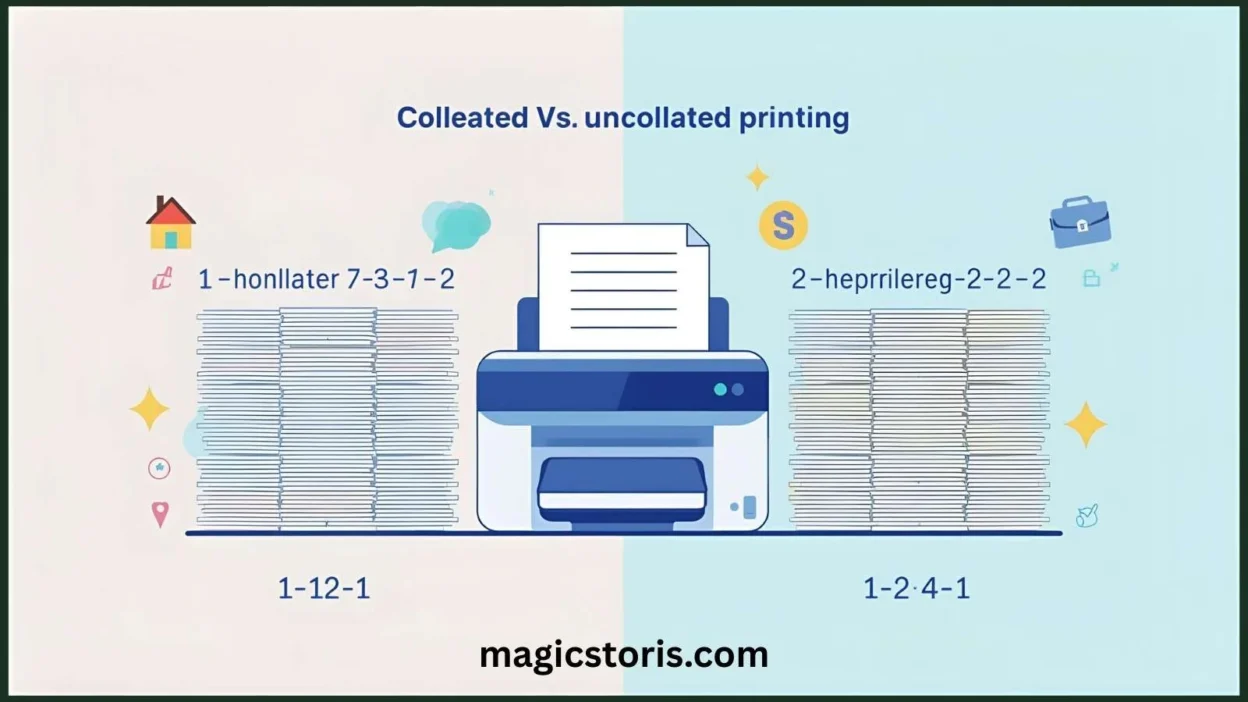
- Collated Printing: Prints complete sets of a document in order.
- Uncollated Printing: Prints all copies of each page together.
Examples:
Printing 3 copies of a 4-page document:
- Collated Output: 1–2–3–4, 1–2–3–4, 1–2–3–4
- Uncollated Output: 1–1–1, 2–2–2, 3–3–3, 4–4–4
Key Point: Collating saves time and effort, especially for booklets, reports, or multi-page handouts.
Background & History
Origin
The word “collate” comes from the Latin collatus, meaning to bring together.
Printing History
Before automated printers, collation was manual: workers had to arrange sheets in order before stapling or binding. Mistakes were common, especially in large print jobs.
Modern Usage
Today, printers have a collate function that automates this process, reducing errors and speeding up printing. This is particularly useful in offices, schools, or businesses that require multiple copies of multi-page documents.
Pro Tip: Using collate is one of the easiest ways to make your printing workflow more efficient.
Usage in Various Contexts
1. Home Printing
- Scenario: You need 3 copies of a family recipe book.
- Printer Setting: Collate enabled → Output is 3 complete sets ready to use.
2. Office / Professional Printing
- Scenario: Your manager asks for 10 copies of a report for a meeting.
- Printer Setting: Collate on → Each set is ready for distribution without sorting.
3. School / Academic Use
- Scenario: A teacher needs 25 copies of a worksheet for students.
- Printer Setting: Collate on → Each student gets a complete, ready-to-use set.
Pro Tip: Always check the collate box before printing multiple copies to save time and avoid extra sorting.
Common Misconceptions & Clarifications
- Misconception 1: Collate changes the content or formatting.
Clarification: Collate only affects page order, not the content itself. - Misconception 2: Collate is always necessary.
Clarification: Only use collate when printing multiple copies of multi-page documents. - Misconception 3: Collate is the same as duplex printing.
Clarification: Collate arranges pages; duplex prints on both sides of the paper.
Similar Terms & Alternatives
| Term | Meaning | Example |
|---|---|---|
| Collate | Arrange pages in order | Collated sets: 1–2–3–4, 1–2–3–4 |
| Uncollated | Pages grouped by number | Uncollated: 1–1–1, 2–2–2 |
| Duplex | Double-sided printing | Print on both sides of each page |
| Staple / Bind | Attach printed sets | Collated sets can be stapled |
How to Use Collate in Printing
Step-by-Step Example:
- Open the Print menu.
- Select the number of copies.
- Check the “Collate” box.
- Click Print.
Tip: If collate is unchecked, you’ll need to manually sort pages, especially for multi-page documents.
Regional or Cultural Differences
- English-Speaking Countries: Collate is a standard option in Windows, macOS, and office printers.
- Other Regions: Some printers may label it as “Sort pages”, but the function is the same.
Pro Tip: Check your printer manual if the collate option is not visible—it may be under “Advanced Settings”.
Comparison with Similar Terms
| Term | Meaning | Context | Notes |
|---|---|---|---|
| Collate | Arrange pages in order | Multi-page printing | Ensures complete sets |
| Uncollated | Pages grouped by number | Multi-page printing | Requires manual sorting |
| Duplex | Print double-sided | Any printing | Independent of collate |
| Sort | Another term for collate | Printers | Sometimes labeled differently |
Usage in Online Communities & Tutorials
- YouTube / Tech Blogs: Collate is often explained in printer tutorials.
- Reddit / Forums: Users ask about collate when printing homework, reports, or manuals.
- Professional Guides: Businesses reference collate in printing workflows for meetings or events.
Tip: Watching printer tutorials can help visualize collate vs uncollated output.
Hidden or Misleading Meanings
Collate is strictly a printing term. Confusion arises only if people mistake it for content editing or formatting.
Suitability for Professional Communication
- Highly suitable for offices, schools, and professional settings.
- Collate is a technical, universally recognized term in printing and document preparation.
FAQs
1. What does collate mean when printing?
It means arranging printed pages in order for each copy.
2. Do I need to collate every print job?
Only if printing multiple copies of multi-page documents.
3. What happens if I don’t collate?
Pages print grouped by number, requiring manual sorting.
4. Is collate the same as duplex printing?
No. Collate is about page order, duplex is about printing on both sides.
5. Where is collate used?
Home printers, office printers, schools, universities, and professional printing services.
6. Can I collate single-page documents?
It’s unnecessary; there’s no multi-page order to manage.
7. Can collate prevent printing errors?
Yes! It ensures complete sets are printed correctly, reducing mistakes and saving time.
Conclusion
Collate is a simple but essential printing feature that ensures multi-page documents come out organized and ready to use. Whether you’re printing for home, school, or work, collate saves time, effort, and mistakes.
Next time you hit the print button, check that collate option—your documents (and your sanity) will thank you! 😎
Visual Suggestion: Illustration showing collated vs uncollated prints: stacks of papers, a printer icon, and checkboxes, in a bright flat style with playful elements.